Unified login with KaseyaOne
Kaseya MDR supports Unified Login with KaseyaOne, allowing users to sign in using a single set of credentials across supported Kaseya products. Unified Login centralizes authentication and multi‑factor enforcement, making access easier to manage while maintaining strong security controls.
Using Unified Login affects how users authenticate, not how alerts are generated, investigated, or responded to.
How Unified Login works in Kaseya MDR
When Unified Login is enabled:
-
Users authenticate through KaseyaOne
-
Multi‑factor authentication (MFA) is enforced during the KaseyaOne sign‑in flow
-
Kaseya MDR relies on KaseyaOne for identity verification
Kaseya MDR does not maintain a separate password or MFA policy for users who authenticate through KaseyaOne.
Enabling Unified Login with KaseyaOne in Kaseya MDR
A KaseyaOne administrator with Master‑level permissions can enable Unified Login for the Kaseya MDR module, making KaseyaOne authentication available to all eligible users in Kaseya MDR.
-
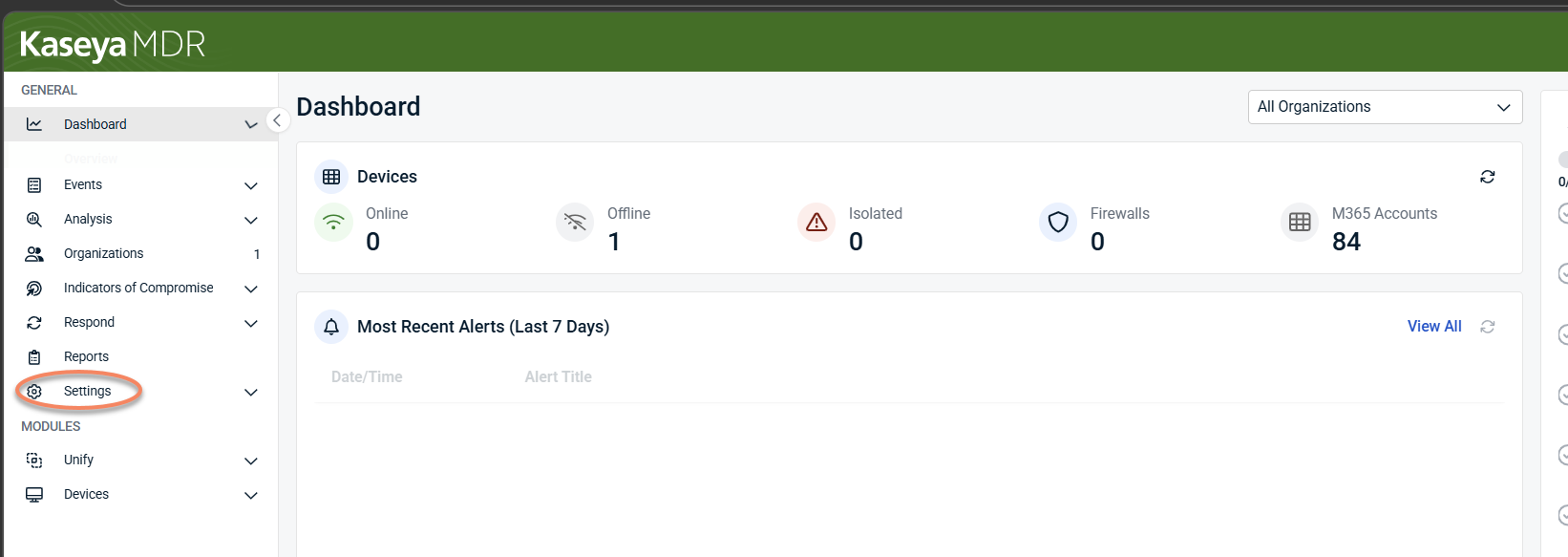
From the side navigation menu, open Settings.
-
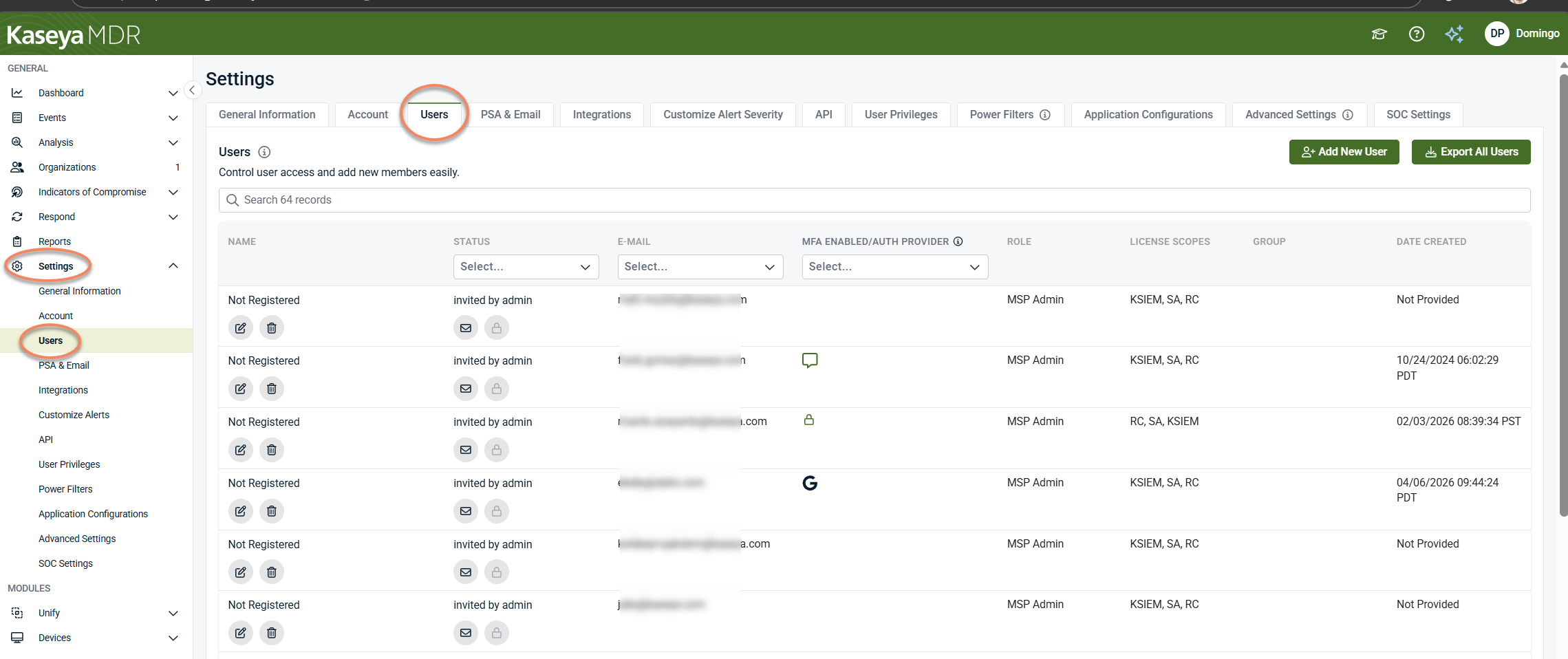
Select Users.
-
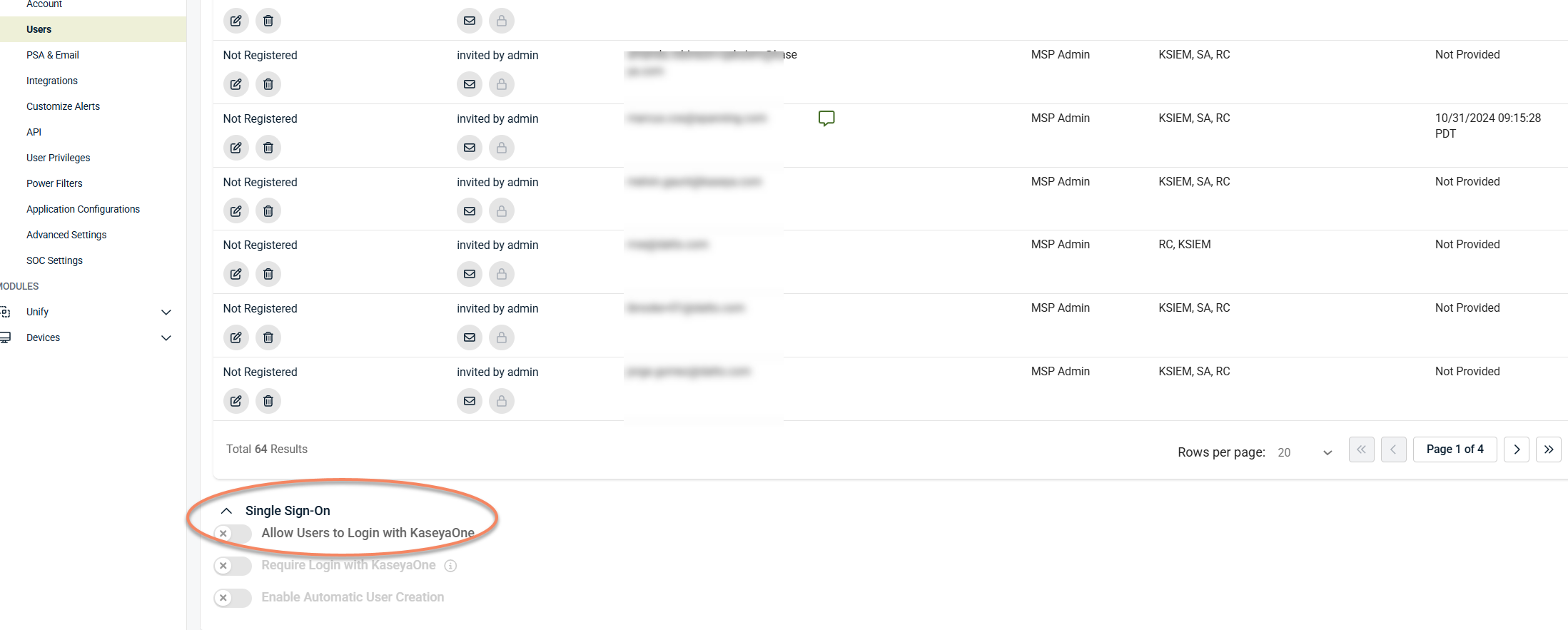
In the Single Sign‑On section, enable Allow Users to Login with KaseyaOne.
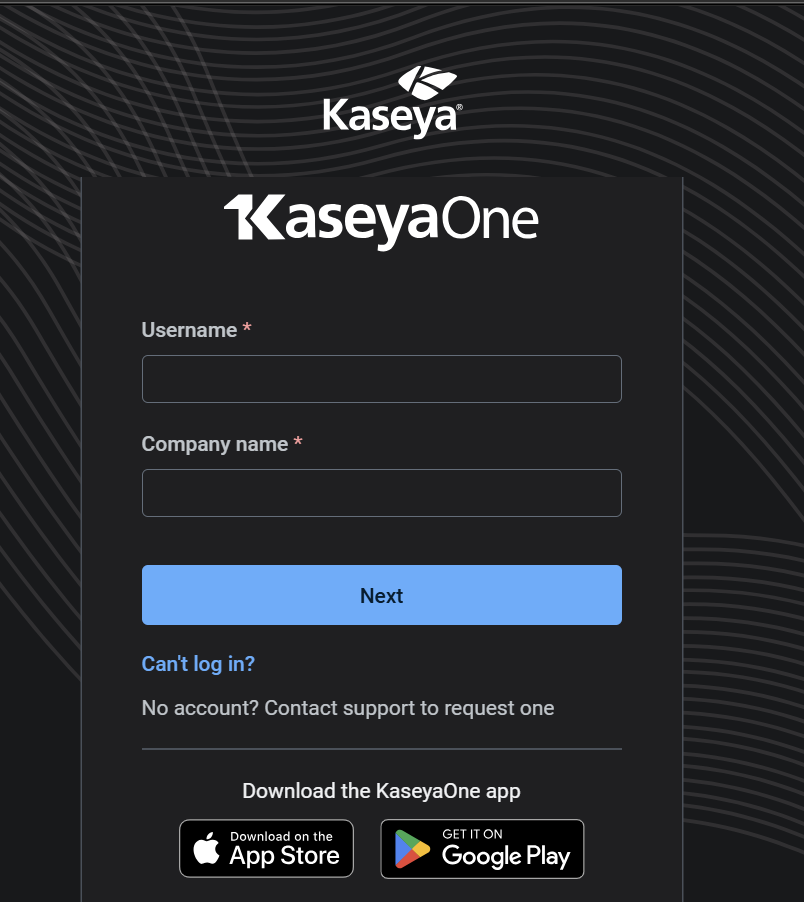
If you are not already signed in to KaseyaOne, you will be prompted to authenticate. This registers Kaseya MDR as a Unified Login module in your KaseyaOne account.
Once enabled:
-
Users can access Kaseya MDR using their KaseyaOne credentials.
-
The Kaseya MDR shortcut appears in the KaseyaOne dashboard for eligible users.
-
Authentication and multi‑factor enforcement occur through KaseyaOne.
Single Sign‑On settings
When Unified Login with KaseyaOne is enabled, additional Single Sign‑On options become available, such as enforcing KaseyaOne login or enabling automatic user creation.
These options affect login enforcement and user provisioning behavior and are documented separately. For information about automatically creating user accounts when users authenticate through KaseyaOne, see Setting up automatic user creation.
About Require Login with KaseyaOne
When Require Login with KaseyaOne is enabled, users must authenticate through KaseyaOne to access Kaseya MDR.
This setting enforces KaseyaOne as the sole authentication method and disables other direct sign‑in options. It affects how users authenticate, not what actions they can perform after signing in.
Logging in to Kaseya MDR using KaseyaOne
To sign in using Unified Login:
-
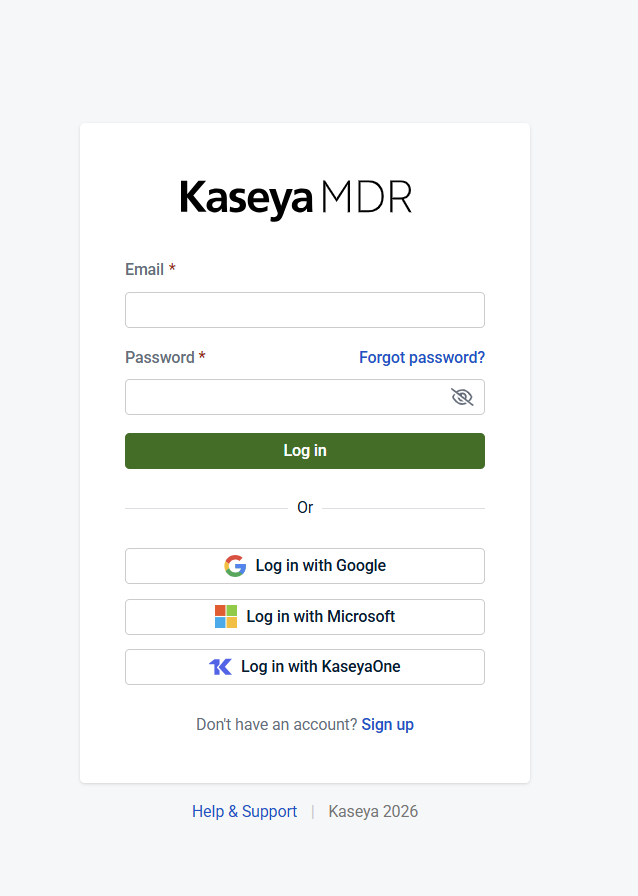
Go to the Kaseya MDR sign‑in page, or open Kaseya MDR from the KaseyaOne dashboard.
-
Enter your email address.
-
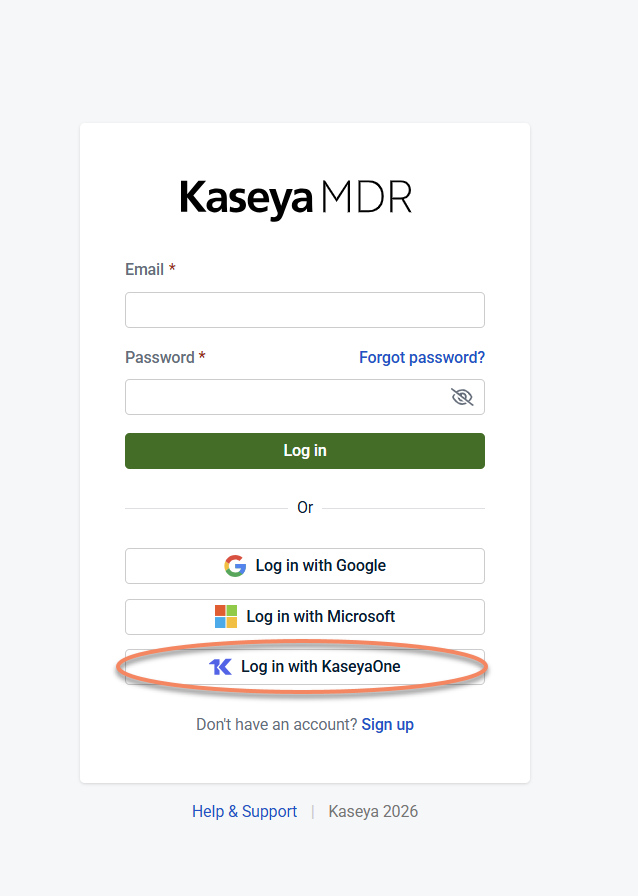
Select Log in with KaseyaOne.
-
Complete authentication in KaseyaOne, including multi‑factor authentication.
After successful authentication, Kaseya MDR opens automatically.
Authentication, roles, and response readiness
Unified Login simplifies access, but authentication alone does not determine what actions a user can perform in Kaseya MDR.
Keep in mind:
-
User roles and permissions control access to investigation and response actions.
-
Some response actions and approvals require secure authentication (such as multi‑factor authentication).
-
Completing account security setup early helps ensure response capabilities are available when needed.
If you can sign in but cannot perform a specific action, verify that:
-
Your assigned role allows that action
-
Required security prerequisites are met
-
The organization is configured for response
When to use Unified Login
Unified Login is recommended if you:
-
Use multiple Kaseya products
-
Want centralized authentication and MFA enforcement
-
Manage users across products through KaseyaOne
If Unified Login is not enabled, users authenticate using Kaseya MDR’s direct sign‑in flow.
Related articles
-
Setting up automatic user creation: Automatically provision user accounts when users authenticate through KaseyaOne
-
Secure your account with two‑factor authentication (2FA): Understand how MFA behaves based on your authentication model
-
Account, access, and governance: Learn how roles and permissions affect investigation and response actions
-
Getting started with Kaseya MDR: Complete initial access and security readiness before day‑to‑day use


